

How Arordi article numbers work
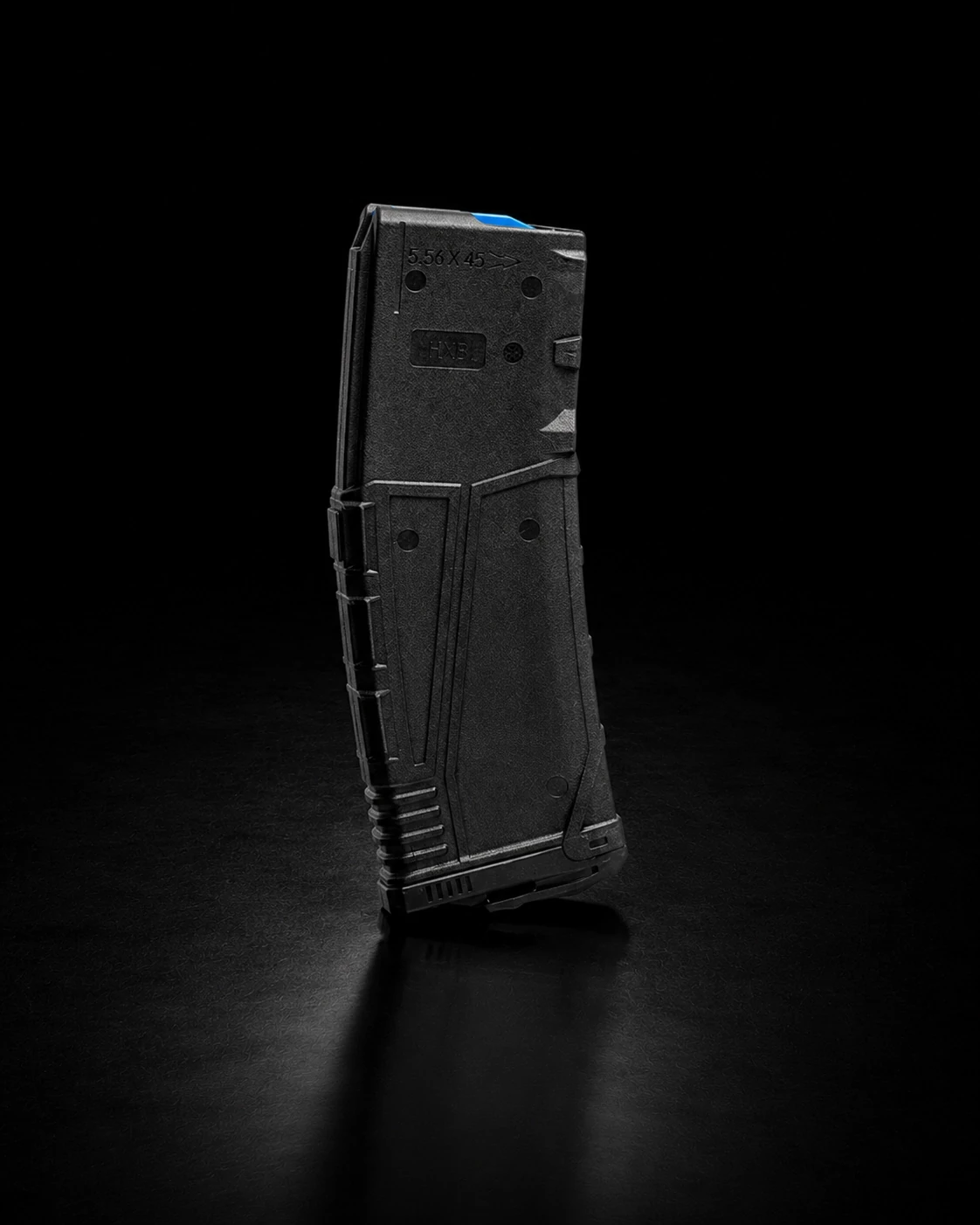
Every product in the Arordi catalogue carries its own article number in the format ARD-XX-0000. The two letters identify the category and the four digits identify the item within it.
Category codes
- HG — Handguns
- RF — Rifles
- AM — Ammunition
- AC — Accessories
- RC — Reloading Components
- OP — Optics & Thermal Optics
Why the number matters
Many models exist in several close variants. Colour versions of the same rifle, presses supplied as kits for different calibres and primers packed in different case sizes are each listed as a separate item with a separate number. Quoting the article number removes any doubt about which variant you mean.
Where to find it
The article number is printed on every product card and in the Article row of each product page. The header search also matches article numbers, so typing a code such as ARD-AC-0002 opens that product directly.
Using it in an enquiry
Choose Enquire about this product on any product page. The contact form opens with the product name and its article number already attached, so our sales team can confirm availability, price and purchase conditions for exactly that item.